Live map
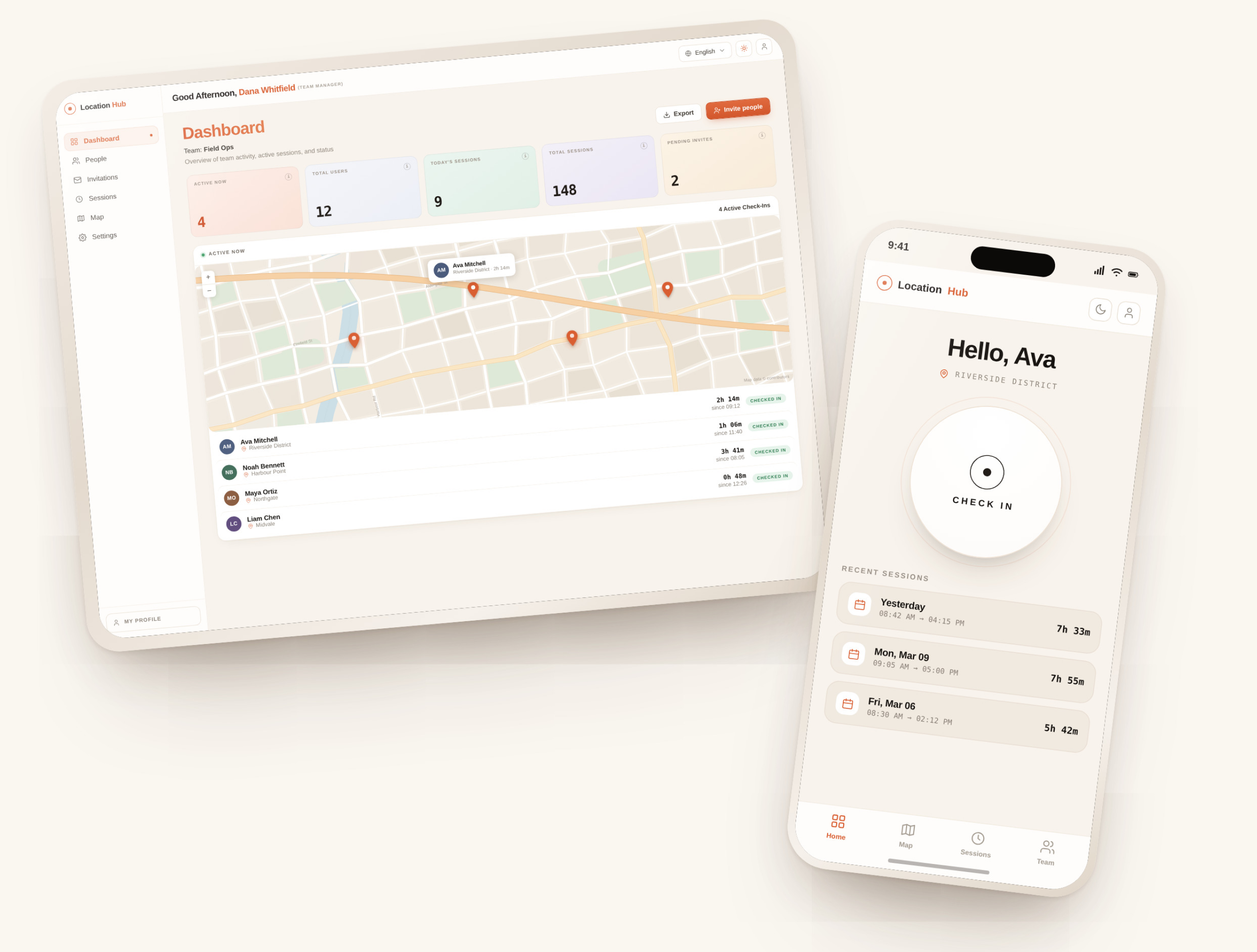
See a pin for every active check-in on a map you can glance at anytime.
One tap to check in. One tap to check out. One glance to stay in sync with your entire team — on any device
Up and running in four easy steps.
Use your email and password, or sign in with Google.
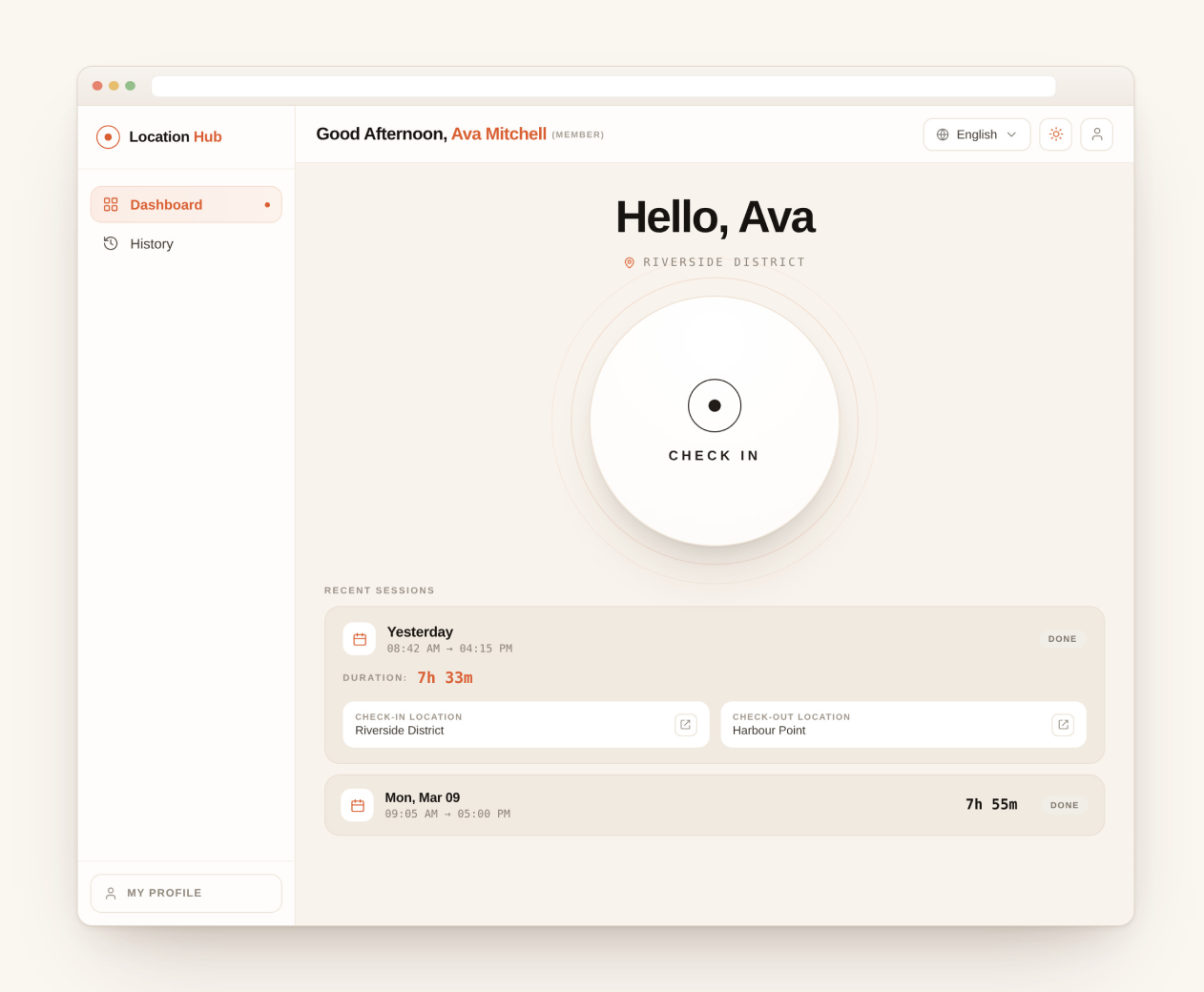
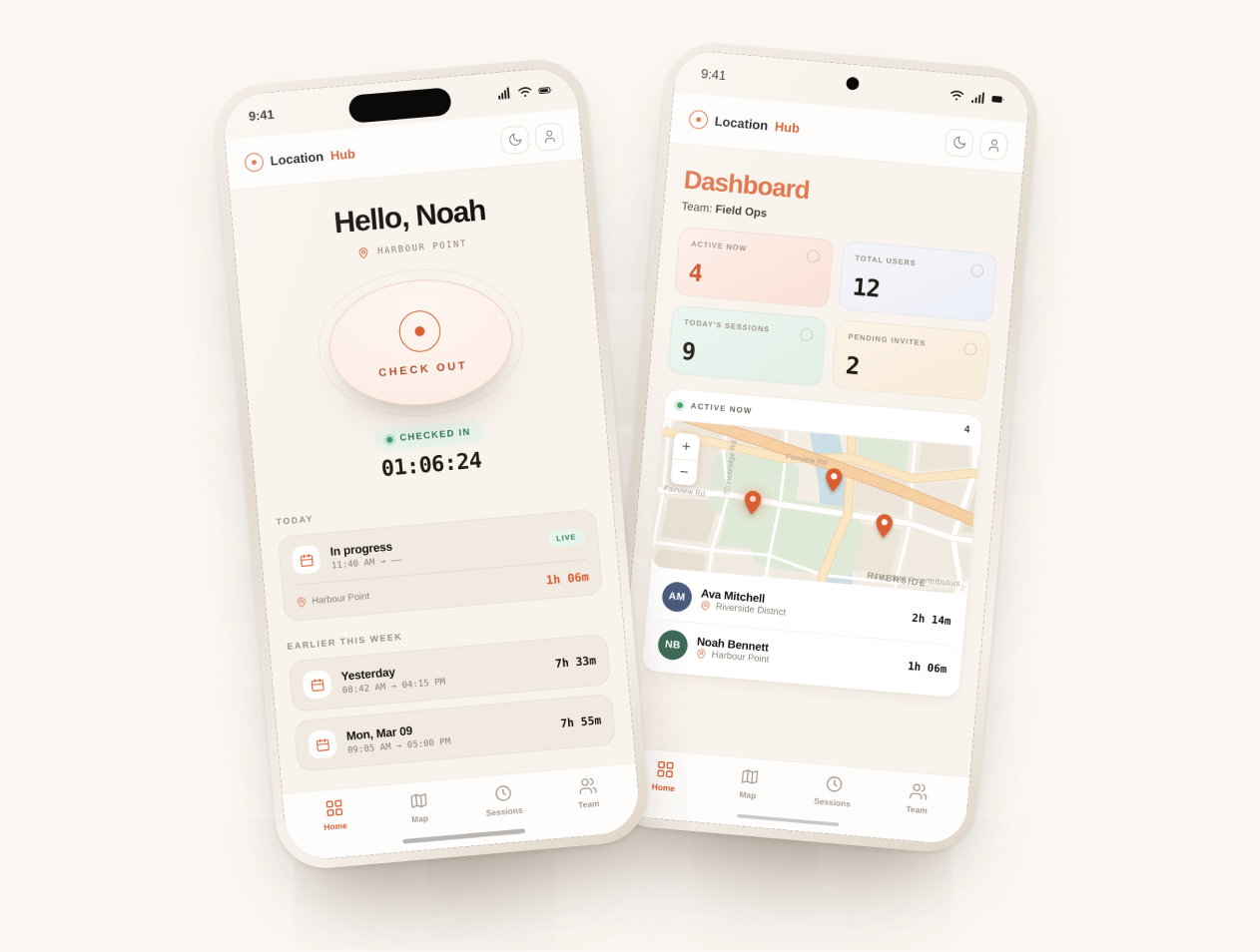
Once you tap to check in, your location is saved, and the timer starts automatically.
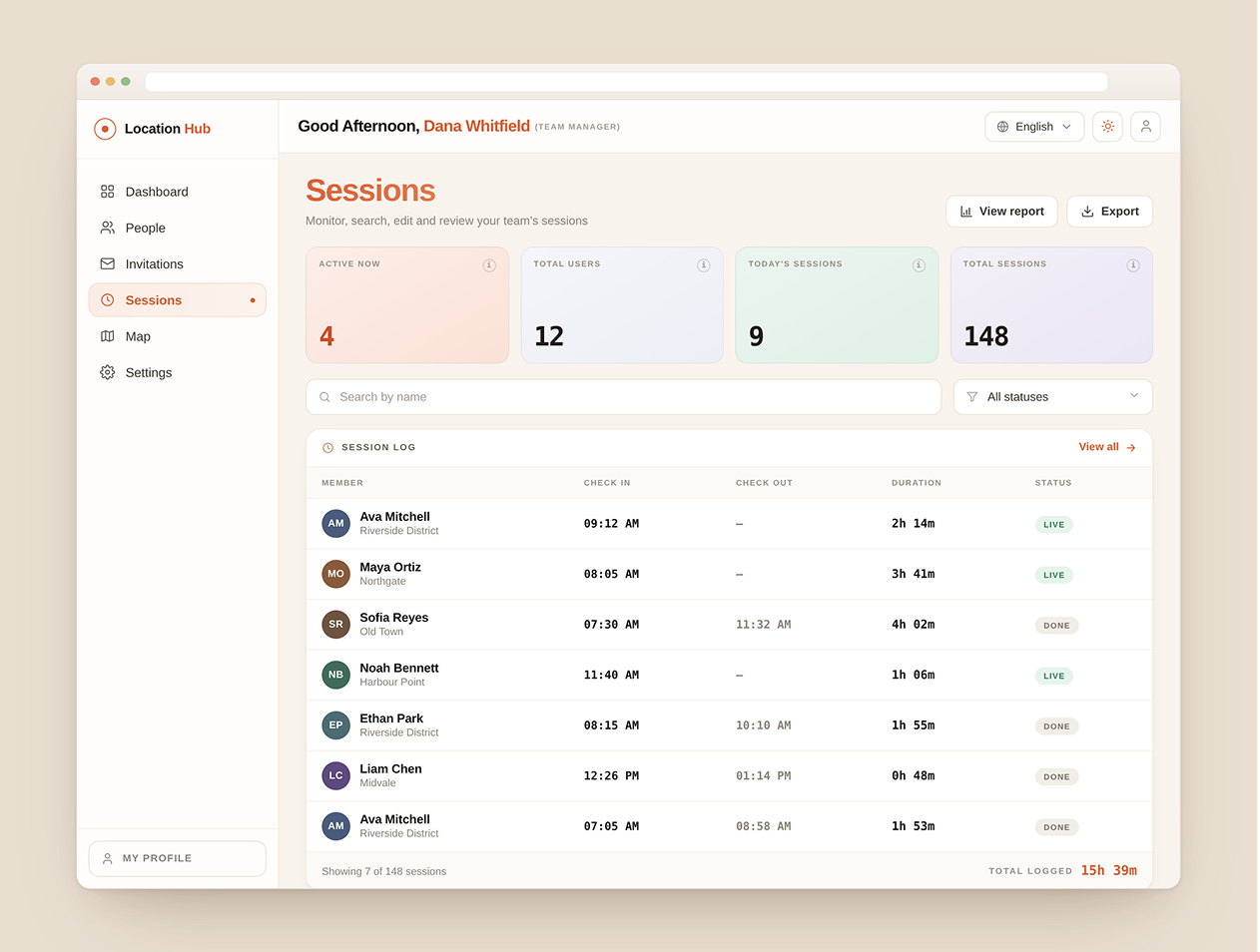
Admins see everyone that's active with their checked in locations pinned on a map.
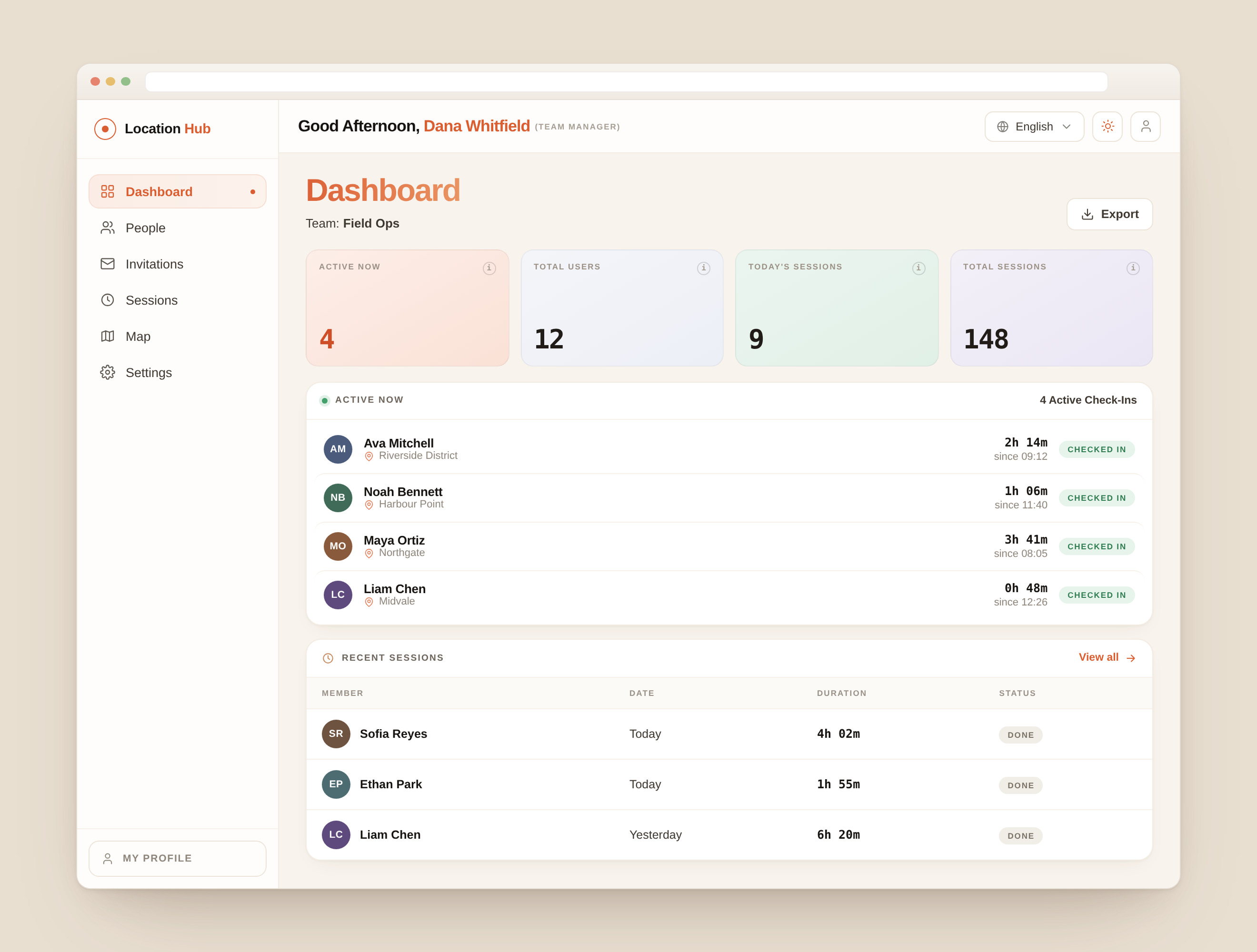
Admin can pull up reports on their team members' check in / check out data as needed.
Everything you need. Nothing you don't.
See a pin for every active check-in on a map you can glance at anytime.
Every check-in is timestamped and saved to your history.
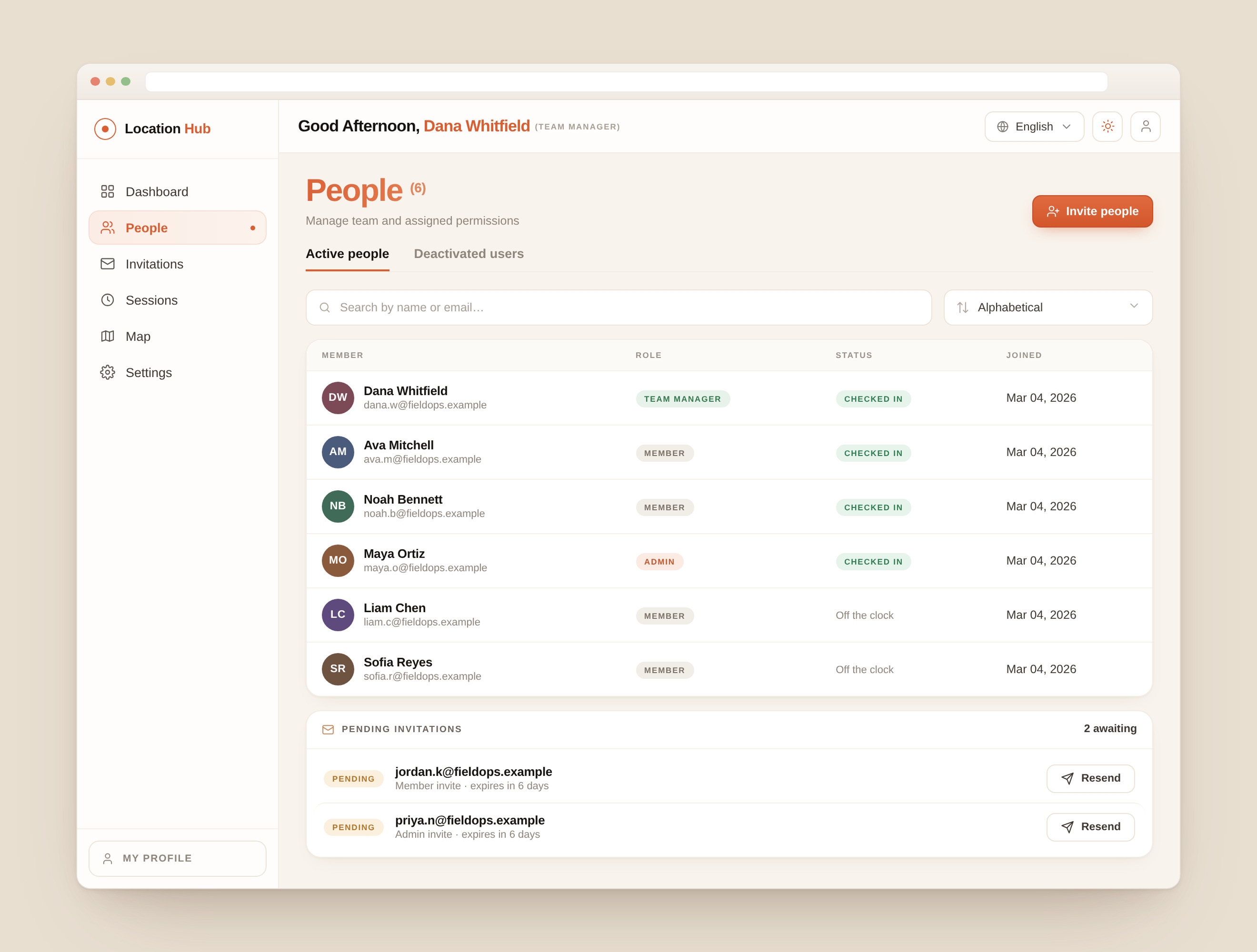
Managers can update who has admin access, safely, in seconds - no IT ticket needed
Add or modify Team roles in one click.
One-click views within Location Hub displaying your Team's activity - Check-in/Check-out sessions & active locations. Export to PDF as needed.
Add Location Hub to your phone or computer as an app.
Your dashboard shows your live location, and a single button to check in. Your recent sessions sit right below.
A map with pinned locations of actively checked-in Team members.
Use it in your browser, or install it on your phone.
Open the link, sign in, and you're set. No downloads required.
AvailableNative iOS app coming soon. For now, add the page to your Home Screen from Safari.
Coming soonNative Android app coming soon. For now, install the page from Chrome.
Coming soonNative iOS and Android apps are on the way. Drop us a note and we'll let you know when they launch.
Questions, feature requests, an alert for when the mobile apps launch, or any feedback you may have — we'll get back to you soon.
A few things people ask us most. For everything else, our inbox is open.
It's free. Open Location Hub in your browser and you're set.